Compare shared hosting, VPS, dedicated servers, and managed cloud solutions to choose a secure, scalable, and cost-effective hosting environment for your business. A business website is more than an online presence. It supports customer engagement, lead generation, online transactions, and essential applications.
Whether you operate an eCommerce store, corporate website, SaaS platform, or ERP system, your hosting environment influences performance, reliability, and customer experience. With numerous web hosting companies in India offering different technologies and pricing models, choosing the right solution can be challenging. Should you select affordable shared hosting, upgrade to VPS, invest in dedicated infrastructure, or move to the cloud?
This guide explains the differences, benefits, costs, and considerations to help businesses make informed hosting decisions in 2026.
Why Reliable Web Hosting Matters for Businesses
Web hosting provides the infrastructure required to store website files, applications, and databases and make them accessible online. Poor hosting performance can contribute to slow loading times, unexpected downtime, security vulnerabilities, and reduced customer satisfaction.
Before selecting a web hosting provider in India, businesses should evaluate five essential factors:
- Performance: Adequate CPU, RAM, storage, and optimized server configurations.
- Availability: Reliable infrastructure, proactive monitoring, and clearly defined uptime commitments.
- Security: SSL certificates, firewalls, regular updates, and reliable backups.
- Scalability: Flexibility to expand server resources as business requirements grow.
- Technical Support: Access to experienced professionals for troubleshooting and infrastructure management.
The right hosting environment supports consistent digital performance while allowing room for future growth.
Understanding Different Types of Web Hosting in India
Not every website needs the same infrastructure. Hosting requirements depend on traffic, application complexity, technical expertise, and budget.
1. Shared Hosting: An Affordable Starting Point
Shared hosting allows multiple websites to use resources from the same physical server. It is suitable for small businesses, startups, personal websites, and informational portals with relatively modest hosting requirements.
Key advantages:
- Lower initial hosting costs.
- Simplified website administration.
- Suitable for basic business websites.
However, shared hosting provides limited resource control and may become restrictive as traffic or application requirements increase. Businesses can explore Windows Shared Hosting and other shared hosting options according to their technical requirements.
2. VPS Hosting: More Control for Growing Businesses
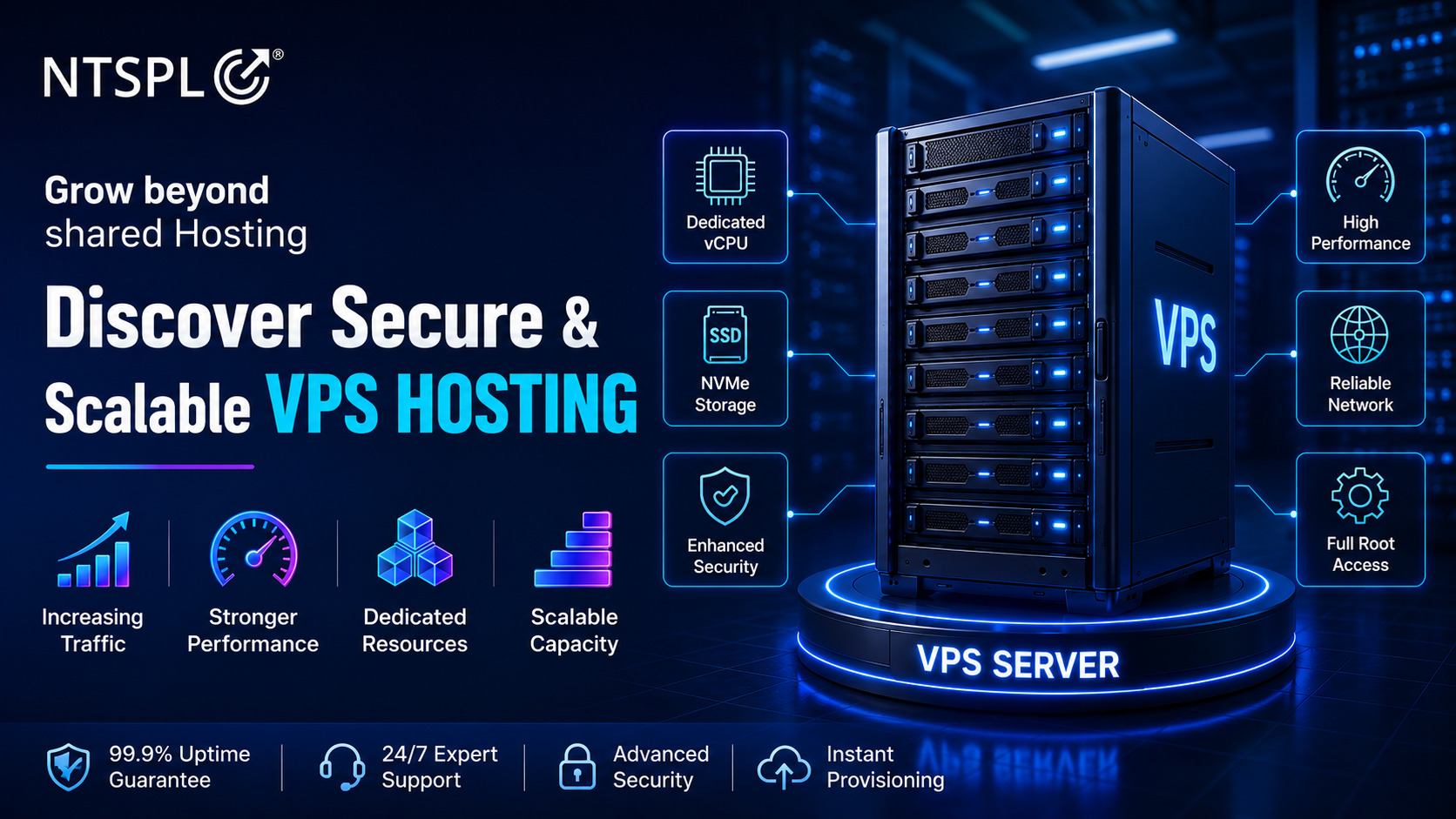
Virtual Private Server (VPS) hosting divides physical server resources into separate virtual environments. Compared with shared hosting, VPS typically offers more predictable allocated resources, configuration flexibility, and administrative control. It is suitable for growing websites, custom applications, online stores, and businesses requiring greater server management capabilities. When choosing VPS Hosting in India, evaluate CPU, RAM, SSD or NVMe storage, operating system compatibility, backup options, and scalability.
3. Dedicated Server Hosting: Infrastructure for Demanding Applications
Dedicated hosting gives a business exclusive access to an entire physical server. It is designed for applications requiring substantial computing resources, customized configurations, or consistent resource availability. Common use cases include enterprise ERP systems, large databases, high-traffic websites, and specialized applications. Before investing, compare hardware specifications, management options, data center locations, security requirements, and disaster recovery capabilities.
4. Cloud Hosting: Flexible Infrastructure for Changing Workloads
Cloud hosting delivers computing resources through virtualized infrastructure, allowing businesses to configure processing power, storage, and networking according to workload requirements. A well-designed cloud architecture can support flexible scaling, workload distribution, and resilient application deployment. Cloud hosting is particularly useful for growing eCommerce businesses, SaaS applications, enterprise platforms, and websites experiencing fluctuating demand. Organizations can explore RC Cloud Hosting or managed cloud solutions depending on their technical and operational requirements.
Shared Hosting vs VPS vs Cloud Hosting vs Dedicated Server
Understanding the differences between hosting environments makes it easier to identify the most suitable option.
| Key Factor | Shared Hosting | VPS Hosting | Cloud Hosting | Dedicated Server |
| Infrastructure | Shared physical server | Isolated virtual server | Cloud-based resources | Exclusive physical server |
| Starting Cost | Low | Low to moderate | Variable | Generally higher |
| Scalability | Limited | Moderate | Potentially high | Hardware-dependent |
| Server Control | Limited | High | Depends on service | High |
| Ideal Users | Small businesses | Growing websites | Dynamic applications | Enterprise workloads |
| Management | Usually simplified | Managed or self-managed | Managed or self-managed | Managed or self-managed |
Which hosting type is best?
Shared hosting suits basic websites, VPS provides greater control, cloud hosting offers architectural flexibility, and dedicated servers provide exclusive hardware resources. The best solution depends on the workload rather than the hosting category alone.
Why Businesses Are Choosing Managed Cloud Hosting Services
Cloud platforms offer flexibility, but managing infrastructure requires ongoing technical attention. Server maintenance, monitoring, security updates, backups, and resource optimization can become challenging for businesses without dedicated infrastructure teams.
Managed cloud hosting services allow organizations to delegate agreed operational responsibilities to experienced service providers.
Depending on the service package, managed hosting may include:
- Cloud infrastructure setup and configuration.
- Server monitoring and performance optimization.
- Security updates and access management.
- Backup and disaster recovery planning.
- Website, server, and cloud migration.
- Cloud resource and cost optimization.
With managed infrastructure, internal teams can focus on business applications and customer requirements instead of routine server administration.
AWS vs Microsoft Azure vs Google Cloud: Which Platform Should You Choose?
Businesses planning cloud migration often compare Amazon Web Services (AWS), Microsoft Azure, and Google Cloud Platform (GCP). Each platform provides extensive computing capabilities, but its suitability depends on business requirements.
| Cloud Platform | Core Capabilities | Common Business Use Cases |
| Amazon Web Services (AWS) | Compute, storage, databases, networking | Scalable applications, enterprise workloads |
| Microsoft Azure | Virtual machines, hybrid cloud, Microsoft integration | Microsoft-based applications, hybrid infrastructure |
| Google Cloud Platform (GCP) | Cloud computing, analytics, AI, Kubernetes | Data-driven applications, modern cloud platforms |
Amazon Web Services (AWS)
AWS provides extensive infrastructure services for websites, enterprise applications, databases, and cloud-native deployments. Businesses considering AWS Cloud Hosting in India should evaluate workload architecture, operating expenses, security requirements, and ongoing management.
Microsoft Azure
Microsoft Azure supports cloud applications, virtual machines, databases, identity management, and hybrid infrastructure. It is particularly relevant for businesses using Microsoft technologies. Organizations can explore Microsoft Azure Cloud Services for enterprise infrastructure and application hosting.
Google Cloud Platform (GCP)
Google Cloud offers scalable computing, data analytics, container services, and AI-related capabilities. Businesses exploring Google Cloud Platform Hosting should assess performance, regional requirements, application compatibility, and cost management.
Key takeaway: No single cloud platform is best for every business. Choose according to application architecture, existing technologies, security requirements, and total operational cost.
Why Hosting Security and Disaster Recovery Matter
Cybersecurity incidents, server failures, accidental deletion, and application errors can interrupt business operations. Businesses should evaluate hosting security as part of their infrastructure selection process.
Important protections include:
- SSL/TLS Certificates: Encrypt information transmitted between websites and users.
- Firewalls: Help control potentially unauthorized network traffic.
- Access Management: Restrict sensitive infrastructure access.
- Regular Backups: Support recovery following data loss.
- Security Monitoring: Help identify suspicious activity.
- Disaster Recovery Planning: Define how critical services can be restored.
Businesses can also explore SSL certificate solutions for website encryption requirements. Importantly, backups should be tested regularly. A backup that cannot be restored provides limited protection during an incident.
How NTSPL Hosting Supports Business Hosting and Cloud Infrastructure
Choosing the right hosting provider requires evaluating infrastructure options, technical support, migration capabilities, and ongoing management.
NTSPL Hosting provides hosting and cloud infrastructure services designed for different business requirements.
Its service portfolio includes:
| NTSPL Hosting Service | Business Requirement |
| Shared Hosting | Business websites and smaller applications |
| VPS Hosting | Growing platforms requiring greater control |
| Dedicated Servers | Resource-intensive enterprise applications |
| Cloud Hosting | Flexible infrastructure for changing workloads |
| AWS Managed Services | AWS infrastructure management |
| Microsoft Azure Services | Microsoft-oriented cloud environments |
| Google Cloud Services | Cloud applications, analytics, and infrastructure |
NTSPL Hosting also advertises migration assistance, managed infrastructure, security services, and backup-related solutions. The exact features, support scope, and service commitments should be confirmed for the selected plan.
Seven Questions to Ask Before Choosing a Hosting Provider
Before purchasing hosting services, ask:
- What server resources does my website or application require?
- Can the hosting environment scale as traffic increases?
- What uptime guarantee and service-level agreement apply?
- Which security features are included?
- How frequently are backups created and tested?
- What technical support and server management are available?
- What are the total costs, including renewals, upgrades, and add-ons?
These questions can help businesses compare providers beyond promotional pricing and choose infrastructure that meets long-term requirements.
Frequently Asked Questions
1. What is the best web hosting option for small businesses in India?
Shared hosting is often suitable for small informational websites. Businesses requiring greater customization, traffic capacity, or administrative control may consider VPS or cloud hosting.
2. Is cloud hosting better than shared hosting?
Cloud hosting can offer greater scalability and architectural flexibility, while shared hosting is generally simpler and more affordable. The appropriate choice depends on business requirements.
3. What is the difference between VPS and dedicated hosting?
VPS hosting provides isolated virtual resources on shared physical hardware. Dedicated hosting provides exclusive access to a physical server.
4. What are managed cloud hosting services?
Managed cloud hosting involves a provider handling agreed infrastructure tasks such as monitoring, maintenance, security, backups, and optimization.
5. Can I migrate my existing website to cloud hosting?
Yes. Websites and applications can generally be assessed for migration, although database compatibility, integrations, configurations, and downtime requirements must be considered.
6. Does NTSPL Hosting offer AWS, Azure, and Google Cloud services?
Yes. NTSPL Hosting advertises managed cloud infrastructure services involving AWS, Microsoft Azure, and Google Cloud Platform.
Conclusion: Choose a Hosting Foundation That Supports Business Growth
The right hosting solution influences website performance, security, scalability, and business continuity. Shared hosting offers an accessible starting point, VPS provides more control, cloud hosting supports flexible infrastructure, and dedicated servers meet demanding resource requirements.
Rather than selecting hosting based on price alone, businesses should evaluate performance requirements, security, technical management, and long-term costs.
NTSPL Hosting provides web hosting, VPS, dedicated servers, and managed cloud infrastructure solutions to support businesses at different stages of digital growth.
Ready to explore the right hosting environment for your business?
Discover web hosting, cloud infrastructure, and managed services at www.ntsplhosting.com.