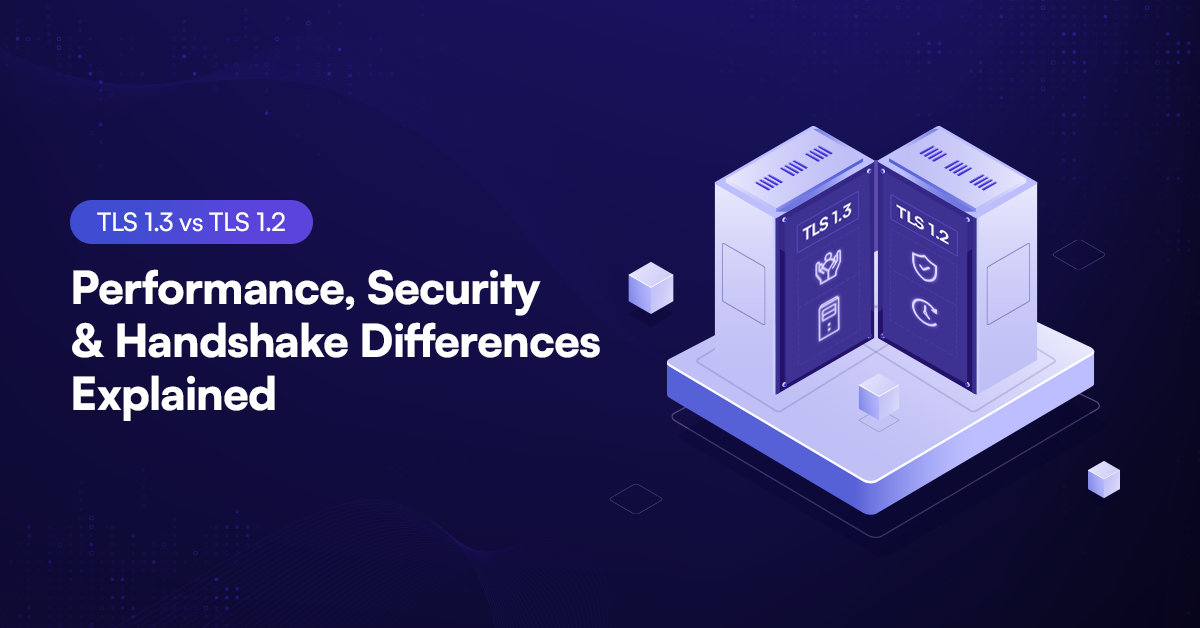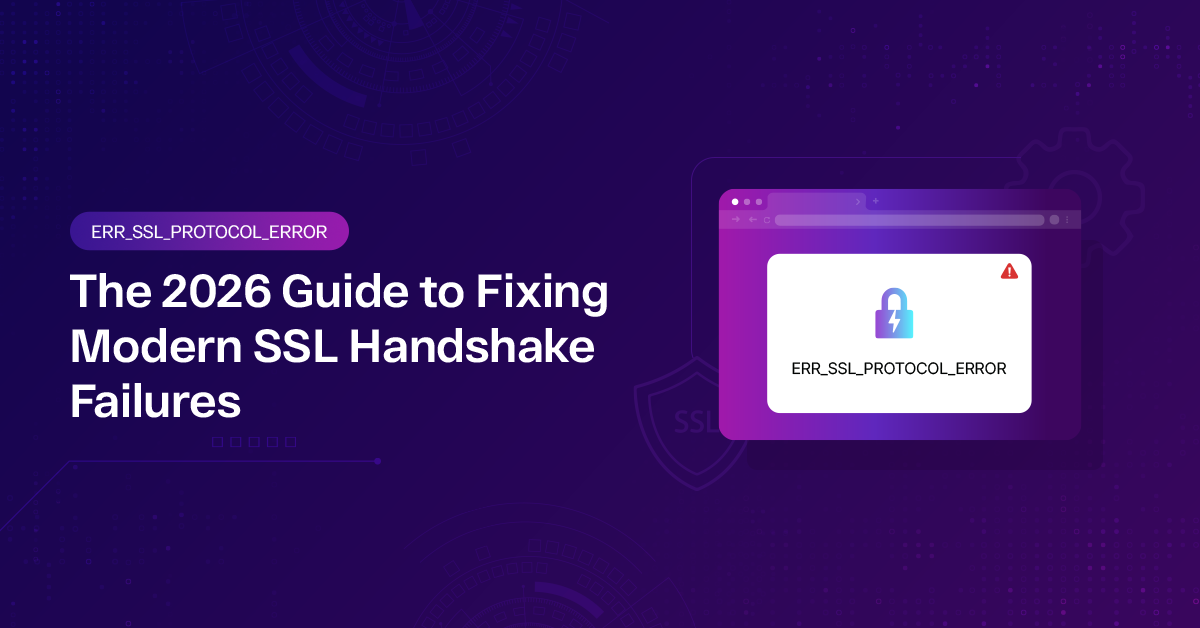
It’s 2026, and while the web is faster and more secure than ever, the dreaded ERR_SSL_PROTOCOL_ERROR still manages to crash the party. Whether you’re a frustrated visitor or a frantic site owner, this error is the digital equivalent of a “Keep Out” sign on a door that’s supposed to be open. In a world of ubiquitous HTTP/3 and 90-day certificate cycles, let’s break down how to fix this protocol mismatch once and for all.
What exactly is ERR_SSL_PROTOCOL_ERROR?
At its core, this error means the SSL/TLS handshake failed. Your browser and the web server couldn’t agree on how to encrypt their conversation. Think of it like two people trying to shake hands, but one is wearing a boxing glove and the other is trying to do a secret Vulcan salute. They just don’t match.
By 2026 standards, most browsers (Chrome, Edge, Brave, Firefox) have zero tolerance for outdated encryption. If the “negotiation” fails, the browser kills the connection to protect your data.
Why is this Happening Now?
The causes have shifted slightly as technology has evolved:
- The 90-Day Standard: Most Certificate Authorities (CAs) now enforce 90-day lifespans. If your automation broke, your cert is likely expired.
- Post-Quantum Cryptography (PQC): Newer browsers are testing PQC-resistant ciphers. If your server is running ancient software, it might not understand these new “languages.”
- TLS 1.2 is the Floor: Anything older (TLS 1.0/1.1) is now hard-blocked by almost every modern device.
- QUIC/HTTP/3 Hiccups: Since most traffic now runs over UDP (QUIC), a firewall misconfiguration can easily trigger this protocol error.
Part 1: Fixes for Website Visitors
If you’re just trying to access a site and getting blocked, try these steps in order:
- Sync Your System Clock: It sounds “old school,” but SSL certificates are hyper-sensitive to time. If your device is even a few minutes off, the certificate will appear invalid.
- Fix: Go to Settings > Time & Language > Sync Now.
- Fix: Go to Settings > Time & Language > Sync Now.
- Clear the “SSL State: Browsers sometimes cache a “bad” handshake.
- Windows: Search for “Internet Options” > Content tab > Clear SSL State.
- Chrome: chrome://net-internals/#sockets > Flush socket pools.
- Check Your VPN/Antivirus: In 2026, many “Smart” AI-powered antivirus tools use HTTPS Inspection. If the tool’s own certificate is wonky, it breaks your connection to the rest of the web. Try disabling “Encrypted Connection Scanning” temporarily.
- The Incognito Test: If the site works in Incognito/Private mode, one of your extensions (likely an ad-blocker or proxy) is interfering with the TLS handshake.
Part 2: Fixes for Website Owners & Developers
If users are reporting this error on your site, the problem is likely in your server stack.
- Audit Your Protocol Support
Ensure your server isn’t trying to be “helpful” by supporting ancient protocols.
- Action: Disable TLS 1.0 and 1.1 immediately.
- 2026 Goal: Your server should prioritize TLS 1.3 and have TLS 1.2 as a fallback.
- Verify the Certificate Chain
A common “pro” mistake is installing the domain certificate but forgetting the Intermediate Certificate. Without it, mobile browsers and certain apps won’t trust the “Chain of Trust.”
Tip: Use a tool like Qualys SSL Labs to run a deep scan. If you see “Chain issues: Incomplete,” that’s your culprit.
- Check for QUIC/UDP Blocks
Since HTTP/3 uses the QUIC protocol over UDP port 443, make sure your firewall isn’t blocking UDP traffic. If it is, the browser might fail the handshake during the fallback attempt to TLS.
- Modern Nginx/Apache Config
Ensure your cipher suites are modern. Avoid anything related to RSA-Key-Exchange (prefer ECDHE) or the RC4 cipher.
|
Cause |
Who is at fault? |
The Fix |
|---|---|---|
|
Expired Certificate |
Site Owner |
Renew via ACME/Certbot immediately. |
|
Outdated TLS (1.0/1.1) |
Site Owner |
Update server config to support TLS 1.2+. |
|
Local System Time Wrong |
Visitor |
Sync clock with an internet time server. |
|
Intermediate Cert Missing |
Site Owner |
Re-install cert with the full “CA-Bundle.” |
| Antivirus “SSL Shield” |
Visitor |
Toggle off HTTPS Inspection in AV settings. |
How to Prevent This Moving Forward
- Automate Everything: In 2026, manual SSL renewal is a recipe for disaster. Use Certbot or manage SSL through your CDN (Cloud flare, Akamai).
- HSTS Preloading: Use HTTP Strict Transport Security (HSTS) to tell browsers to only talk to you over a secure connection, reducing the chance of “downgrade” protocol errors.
Monitor Your Handshakes: Use uptime monitoring tools that specifically check for SSL expiry and handshake validity, not just “is the site up.